An adaptive study system, not just a quiz app.
PrepLift learns what you know and what you don't, adapting to you from your very first quiz all the way to exam day. Here's the loop that gets you there.
The study loop
Five steps, one continuous loop.
Each quiz feeds the next. The more you study, the sharper PrepLift gets at pointing you toward exactly what needs work.
Step 1
Take a quiz
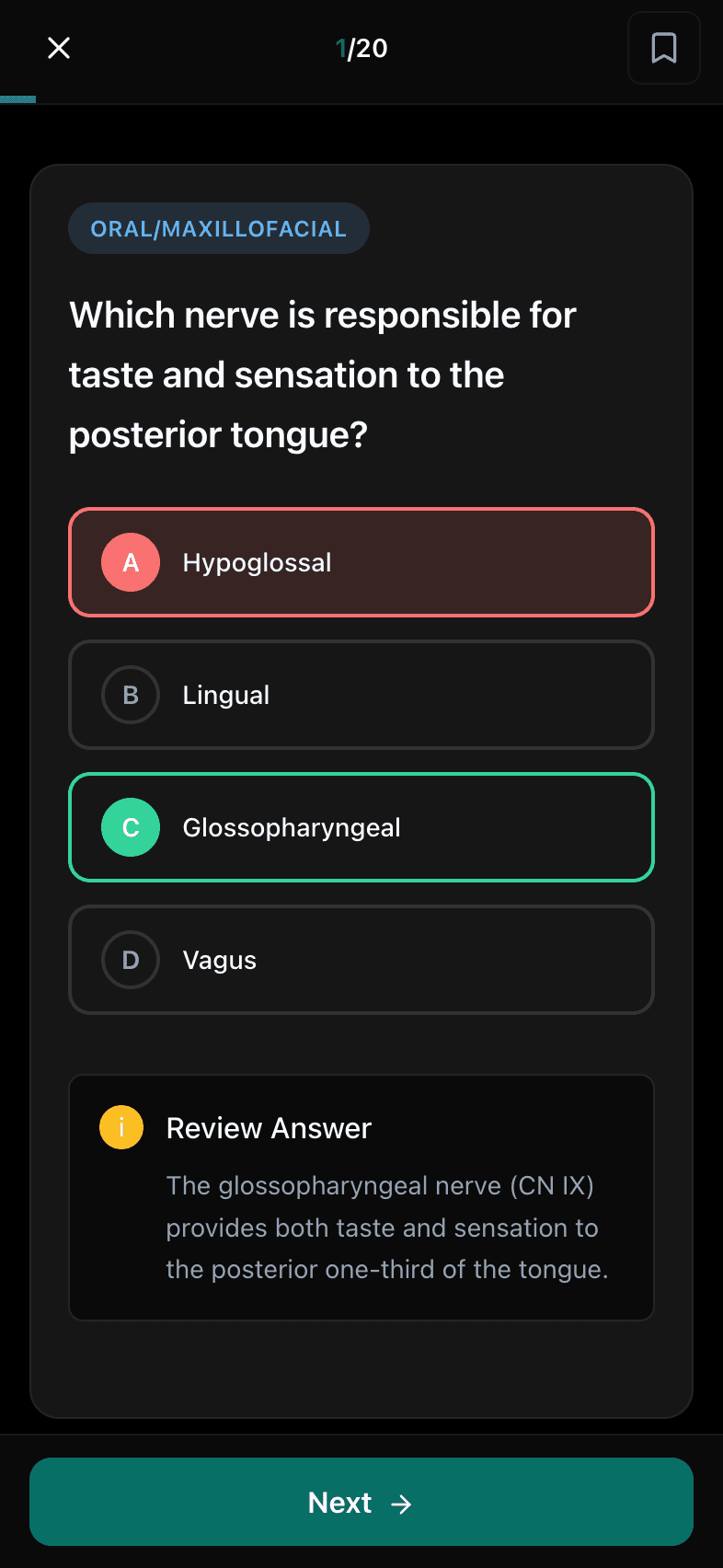
Choose a category and pick your question source: fresh questions you haven't seen, the ones you previously missed, or anything you've bookmarked. A fresh algorithm means no repeats, so every session moves you forward.
Category tags stay hidden during the quiz, just like the real CST exam, so you learn to recognize material without context cues.
Step 2
Learn from every miss
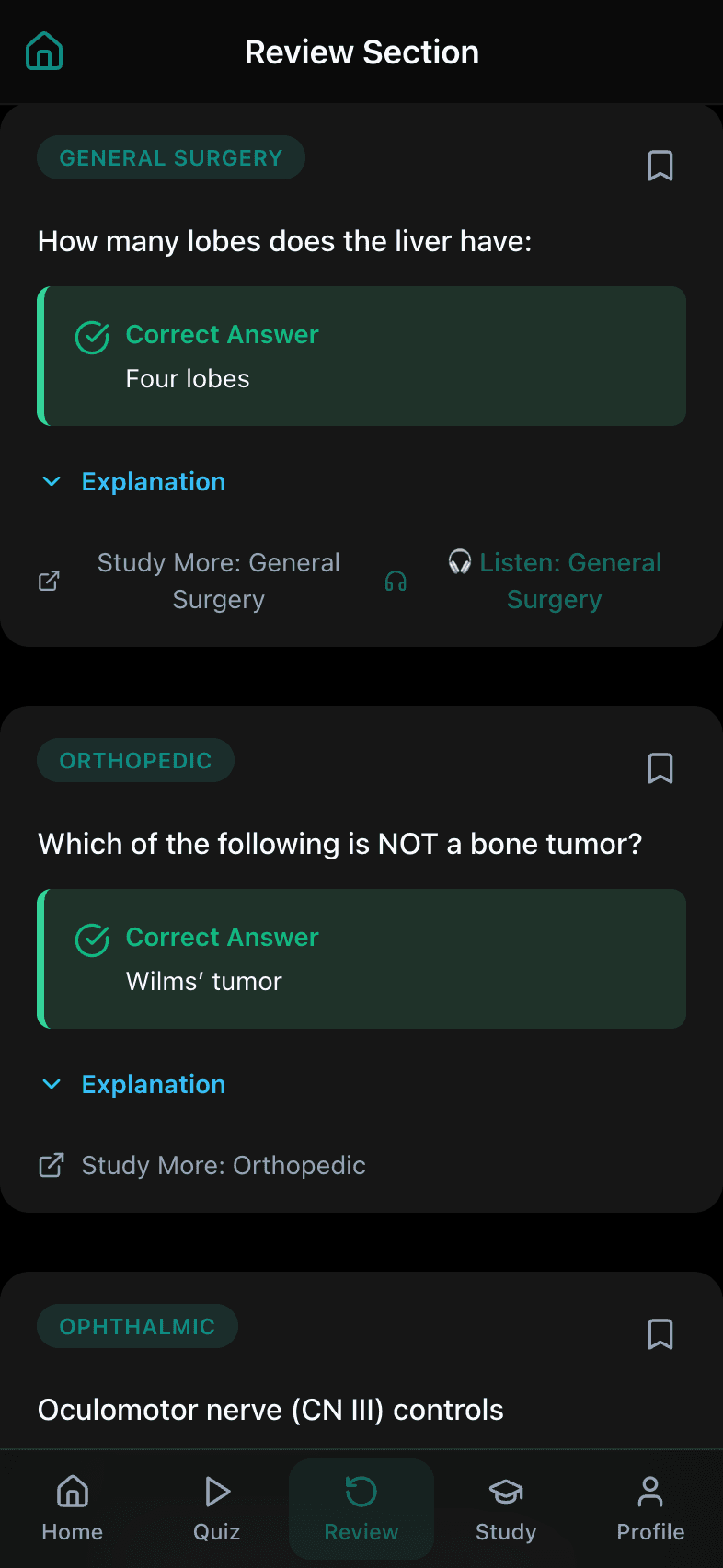
Every question comes with a written rationale that explains the answer, not just what's right, but why. When you miss one, it's automatically added to your review stack so nothing slips through the cracks.
Missed questions auto-add to your review stack the moment you get them wrong.
Step 3
Smart review targets your weak spots
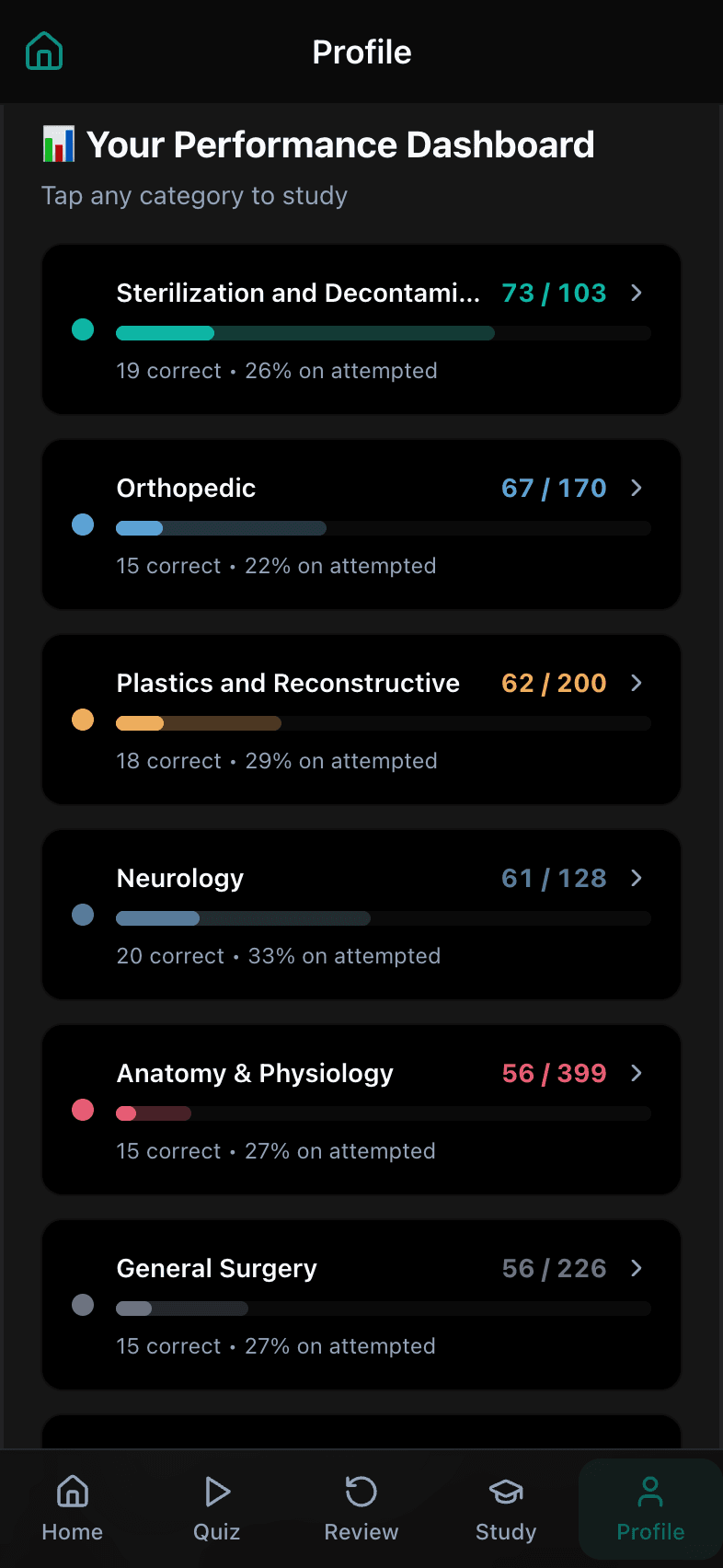
Missed questions keep coming back until you've mastered them, then quietly drop off. Bookmark anything you want to revisit on your own terms. Over time, your misses effectively become your study plan. No spreadsheet required.
Bookmark any question for later, and watch mastered items disappear from your review queue.
Step 4
A personalized study briefing
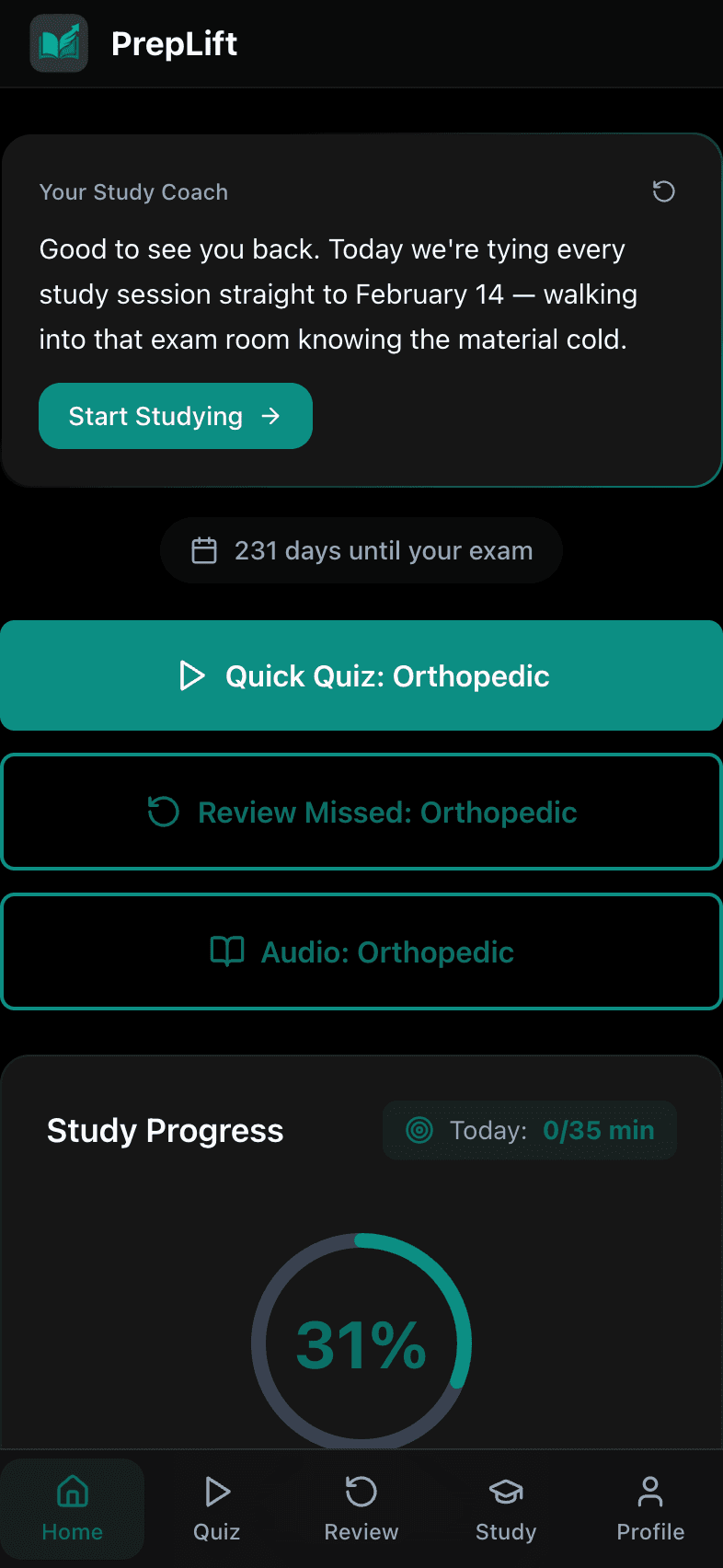
Open your dashboard and you're greeted with a personalized briefing, generated from your overall performance across all 19 exam categories. It highlights where you're weakest and suggests where to focus next: practice questions, review, or audio. Want a fresh read? Refresh it any time.
A briefing you can refresh, not a chatbot. It reflects your overall performance, not a reply after every quiz.
Step 5
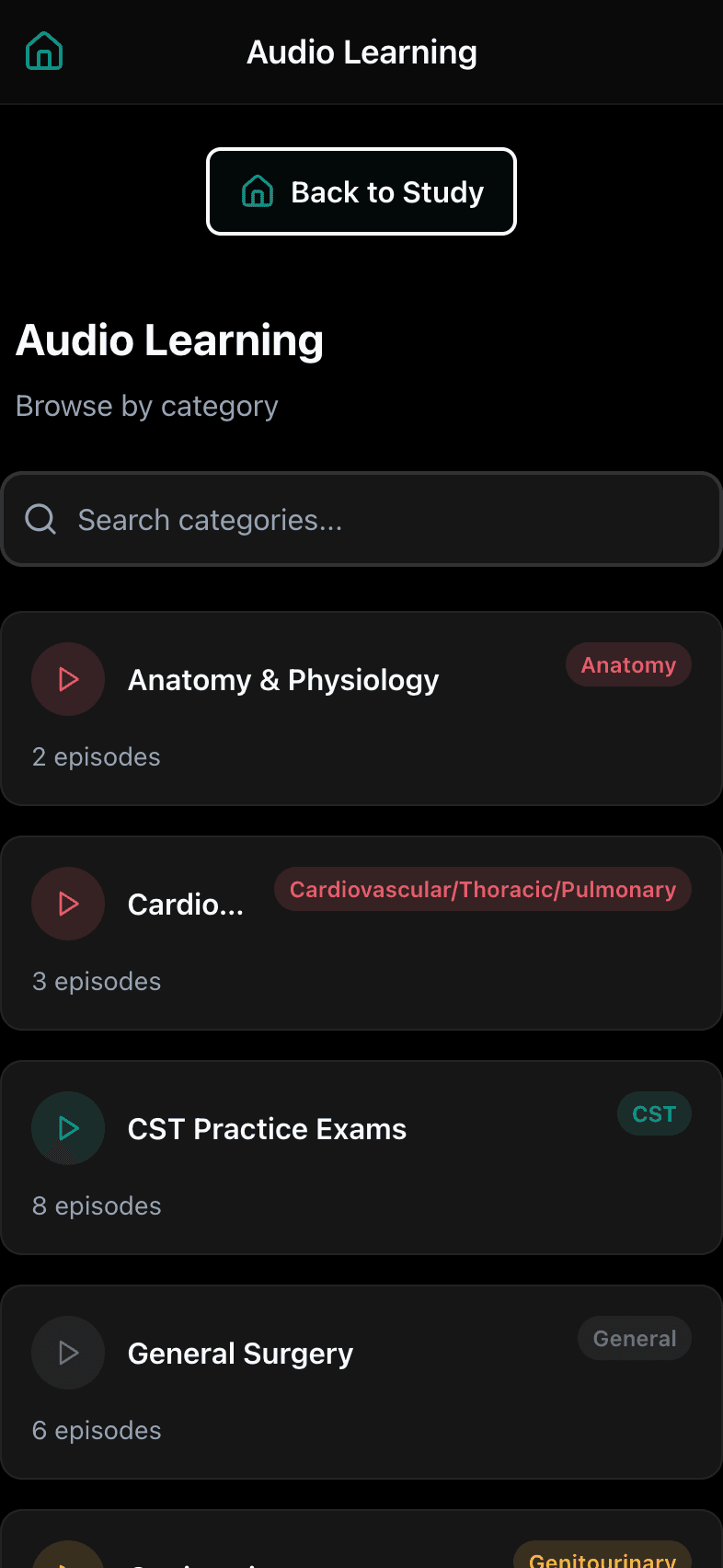
Study anywhere with audio
Podcast-style audio lessons let you keep studying away from a screen: on the commute, between clinicals, or whenever reading isn't an option. Audio covers the major exam domains across the blueprint, and each lesson is automatically linked to related questions in the bank.
Audio lessons are automatically linked to related questions, so listening and practice reinforce each other.
What's inside
Everything the loop runs on.
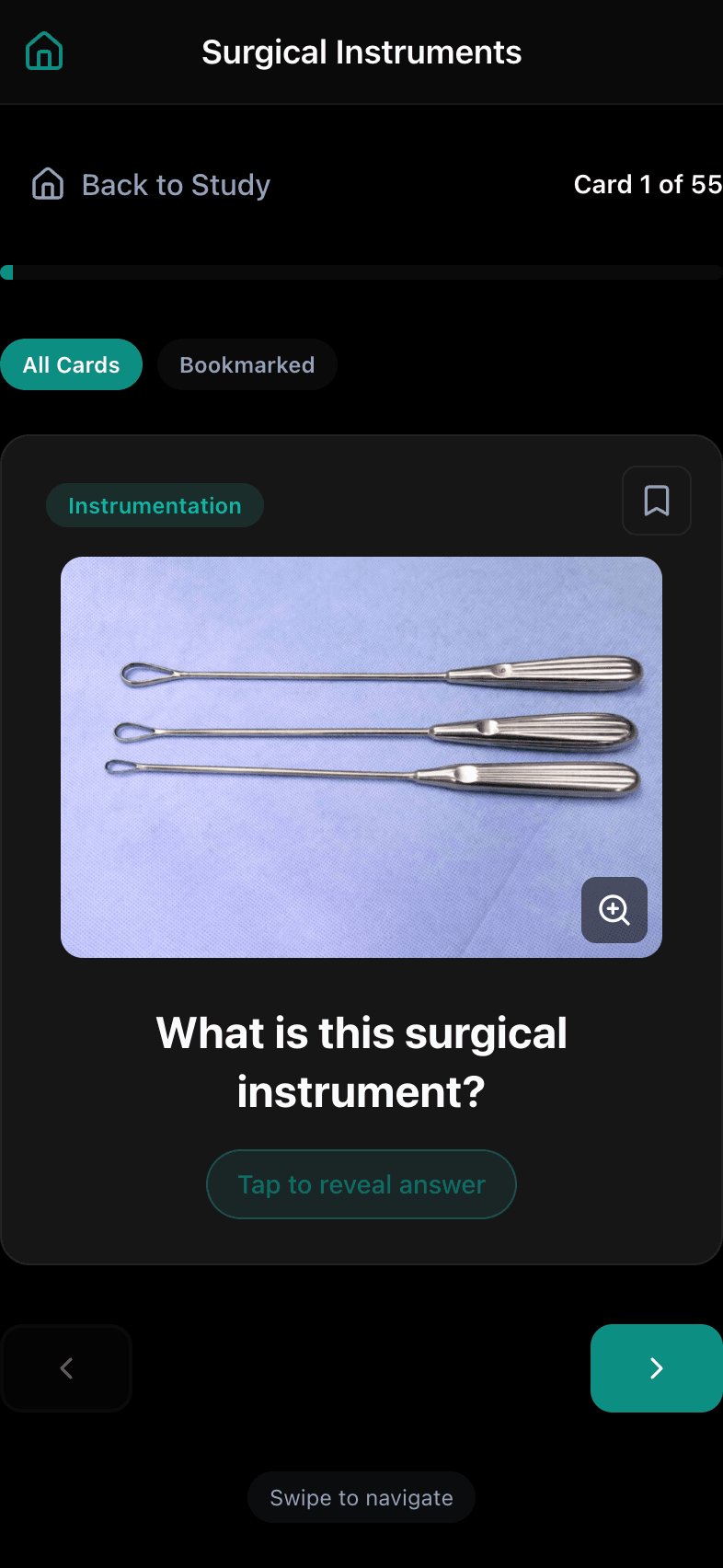
A deep, CST-aligned library behind every step, including visual flashcards for instruments, anatomy, and terminology.
0
Practice questions
0
Exam categories
0
Visual flashcards
0
Audio lessons
Now Available
Ready to study smarter?
PrepLift is available now. Start with a 7-day free trial, then $29.99 a month, and updates as we build the study system that adapts to you.
Start your free trial